
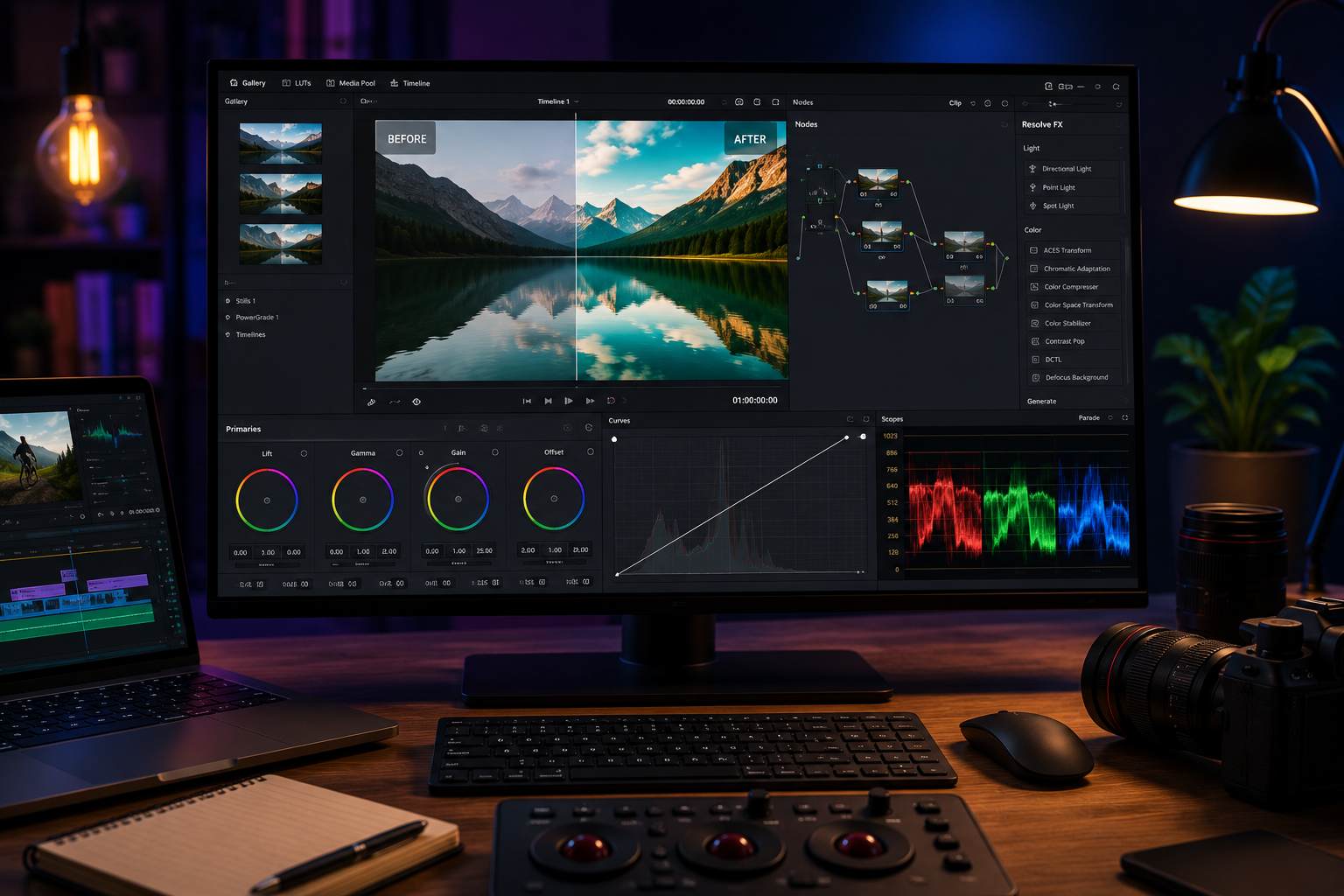
Color adjustment for videos is becoming an important step with many YouTube clips, TikTok or short films today. However, not everyone is eligible to buy expensive color adjustment software. Many free software now support video color adjustment quite strongly, suitable for creators, students and new editors without using crackers.
1. DaVinci Resolve
DaVinci Resolve is considered the "gold standard" in the field of video color adjustment today. Many Hollywood movies also use this software for color post-production.
Extremely powerful color grading; Professional LUT support; Has a deep color adjustment node; Free many features.
Quite heavy machine; Beginners need time to learn.
Professional Editor; YouTuber; Making MVs and short films.
2. Lightworks
Lightworks not only supports video editing but also has many basic and semi-professional color adjustment tools.
Strong timeline; Has beautiful color presets; Professional Workflow.
Free version limits some video output features; Interface to get acquainted with.
Semi-professional creator; Long YouTube videos.
3. HitFilm Free
HitFilm stands out for its ability to combine video editing and cinematic color effects.
Has many cinematic effects; Color adjustment is quite intuitive; Supports compositing.
Quite heavy machine; Not suitable for weak laptops.
Effect videos; YouTube; Creative videos.
4. Shotcut
Shotcut is a popular free option for beginners in video color editing.
Completely free; Has basic color filters; Much lighter than professional software.
Interface not yet modern; Color grading tool is still limited.
Student; Mid-configuration laptop; Basic video editing.
5. Kdenlive
Kdenlive currently supports many free color adjustment, brightness adjustment and LUT application tools.
Open source; Supports multiple layers of video; Has basic waveform and vectorscope.
Some color effects are unstable; Need time to get used to it.
Semi-professional Editor; Transfer from Premiere crack.
6. Olive Video Editor
Olive is open source software that is of interest to the young editor community thanks to its modern interface and fairly stable color processing capabilities.
Free; Beautiful interface; Basic color adjustment support.
Still under development; Possible errors in some projects.
Personal creator; Technology student.
7. Blender
In addition to 3D rendering, Blender also supports compositing and color correction quite strongly for videos.
Strong in effect and color; Completely free; Large community.
Difficult to learn; Not suitable for new video editors.
Motion graphic; Video VFX; 3D artist.


