Unlike recent Windows 11 updates, version 24H2 is considered a major change to Microsoft's operating system, so the update will take longer than usual.
Updates to this version will happen as usual as Microsoft rolls them out to users running Windows 11 22H2 and 23H2.
To update, users need to go to the 'Settings' app, select 'Windows Update' and manually request the update by clicking 'Get the latest updates as soon as they are available'. Then, check for updates by clicking 'Check for updates'.
The 'Settings' app will allow you to download Windows 11 24H2 if your system is eligible and there are no blocking issues. As usual, you can also download the Windows 11 24H2 image from Microsoft's official website and install the operating system. One thing the company notes to users is that BitLocker will be enabled by default on Home and Pro editions, although you can disable it.
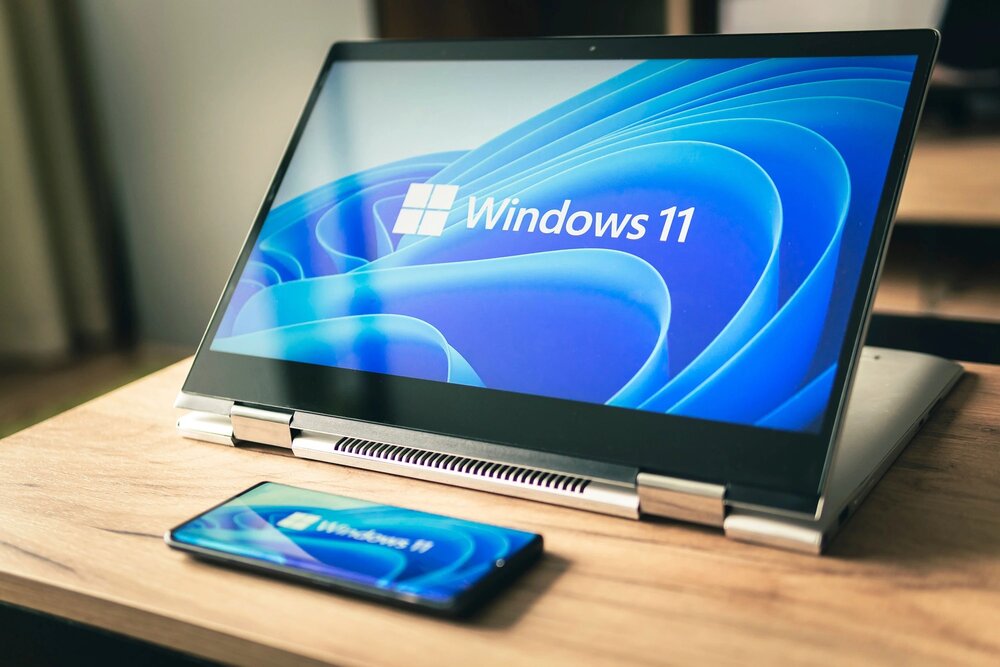
It is known that new features in Windows 11 24H2 include: Updated context menu; improved Settings application; support for HDR wallpapers, Wi-Fi 7; refreshed battery and power saving settings; updated Quick Settings menu...
Since Windows 11 24H2 is a “full OS swap,” be warned that it may come with some bugs and issues. As of now, there are six confirmed hardware and software issues. Some of these have a workaround, while others will be fixed in future software updates.
For Home and Pro editions of Windows 11 24H2 will have a standard support lifecycle of 24 months. Microsoft also announced Windows 11 LTSC 2024 with a support lifecycle of 10 years. Commercial customers can download version 24H2 through WSUS, Windows Update for Business, and the Admin Center.