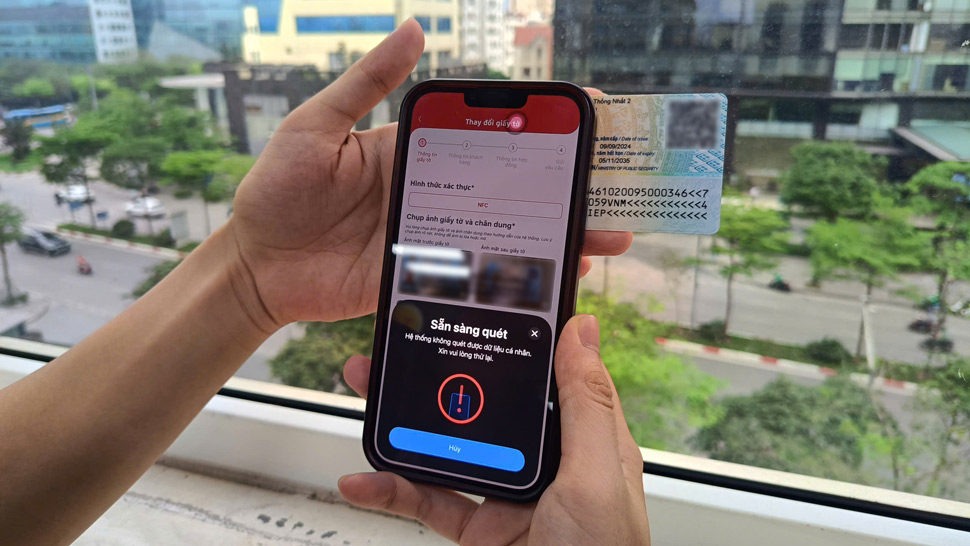
In recent days, the number of people searching for information about subscriber authentication and biometrics has tended to increase as the June 15th is approaching. Many users said they have received notifications from the network operator but are still not clear what operations need to be performed on the phone to complete the authentication.
Below are the steps users need to pay attention to to avoid the risk of service restrictions.
Step 1: Check phone numbers that are in VNeID
- First, users need to log in to the VNeID application using an activated electronic identification account.
- In the subscriber information management section, people can check all phone numbers that are in their name.
- For the numbers being used, users perform confirmation according to the instructions on the application.
- In case of detecting that the subscriber number is not under their right to use, people can choose to confirm "Not used" for management agencies and telecommunications enterprises to continue handling according to regulations.
Step 2: Follow the notification from the network operator
Not all subscribers must perform biometric authentication. Usually, the network operator will send notifications directly to subscribers who need authentication or information updates.
Users should check SMS messages, network operator applications or official notification channels to know if their subscriber is required to be verified or not.
Step 3: Perform biometric authentication on the network operator application
If you receive an authentication request, users can perform it directly on the network operator's official application.
The current common procedure includes:
- Log in to the carrier's application.
- Check subscriber information.
- Take photos of personal papers according to instructions.
- Face scanning for data comparison system.
- Confirm and send the request.
After completion, the system will notify the authentication result.
Step 4: Go to the transaction point if you cannot do it online
In some cases such as data matching, device failure or authentication errors, users can go directly to the network operator's transaction point for support.
When going to carry out procedures, people should bring their citizen identification card or personal papers as required by the telecommunications enterprise.
Beware of fake links
Along with the increasing demand for subscriber authentication, many forms of network operator impersonation have also appeared.
People should only carry out authentication on the official application of the network operator, the VNeID application or at transaction points.
Network operators recommend not accessing strange links, not providing OTP codes, citizen identification photos or personal information to unidentified people.
What happens if it's not done?
According to information from the Telecommunications Authority, subscribers who have not confirmed their status as prescribed until June 15, 2026 will have their outgoing services temporarily suspended, including making phone calls and SMS messages to other subscribers.
Therefore, users should proactively check on VNeID and complete authentication requests from network operators before this time to avoid interrupting communication.