
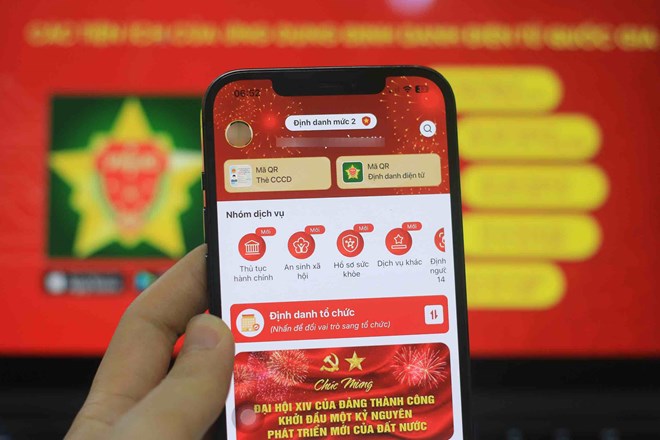
No subscriber management item found
One of the common situations is that users log in to VNeID but do not see the subscriber confirmation section.
The reason may be that the account has not been fully updated or users have not used the latest version of the application.
In this case, people should update VNeID to the latest version and check it again.
No phone number currently in use appears
Accessing VNeID does not show the phone number you are using in the subscriber list. The reason may stem from data not being synchronized or the subscriber is in someone else's name.
Users should contact the network operator to check their subscriber information in this case.
Strange SIM appears but does not know how to handle it
This is a fairly common situation in recent times. Many people are surprised to discover that on VNeID, more phone numbers are no longer used or they do not know who is using them.
If encountering this case, users need to confirm the correct status according to the system's instructions instead of ignoring it.
Missing notification from network operator
Many cases only focus on checking VNeID but forget to check messages or notifications from telecommunications businesses.
Meanwhile, the network operator may have sent confirmation or information update requests to specific subscribers.
Waiting until close to the deadline to implement
Another error is waiting until near June 15 to start checking.
This may prevent users from being able to handle it in time if they detect a strange SIM, inaccurate information, or need to supplement documents as requested by the network operator.


