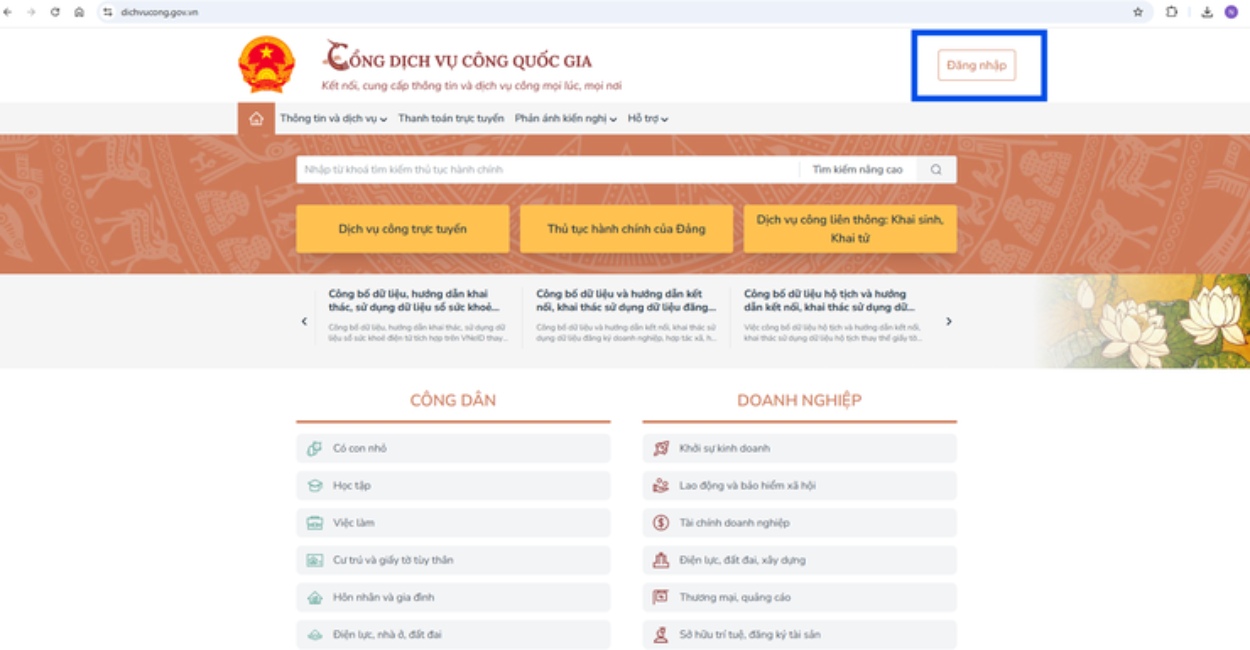
Step 1: Citizens access the National Public Service Portal
First, people access the National Public Service Portal at: https://dichvucong. gov. vn to carry out online administrative procedures.
This is a centralized information portal, allowing people to perform many public services, including procedures for registering to buy and rent social housing.
Step 2: Log in using the VNeID electronic identification account
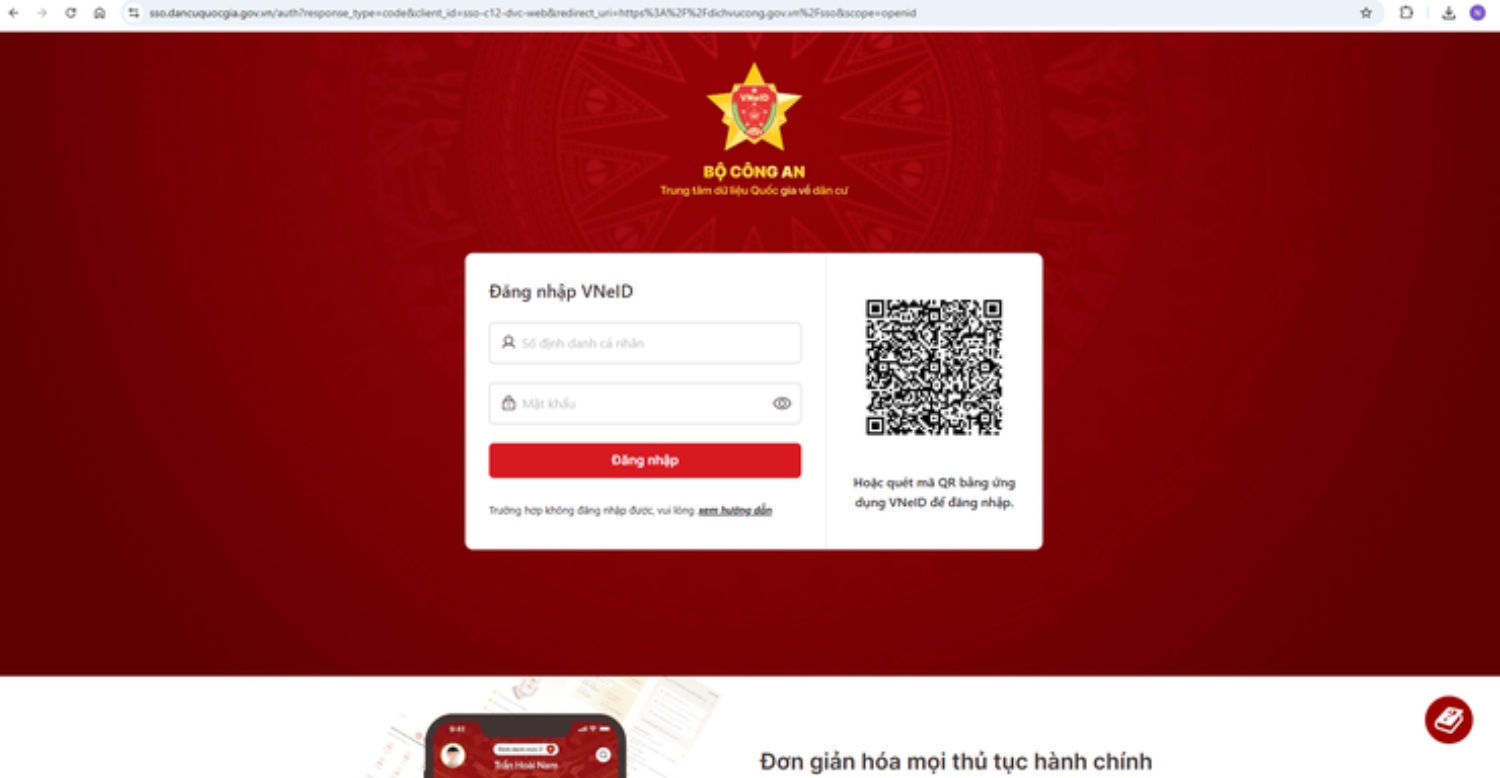
Citizens enter: Personal identification number and password. Then select "Log in". The system will request login authentication.
Citizens can do it in one of two ways: Enter the confirmation code sent to the VNeID application; or scan the QR code using the VNeID application on their phone.
After confirming, enter the Passcode password on the application and press "Confirm" to complete login.
Step 3: Choose the right administrative procedure
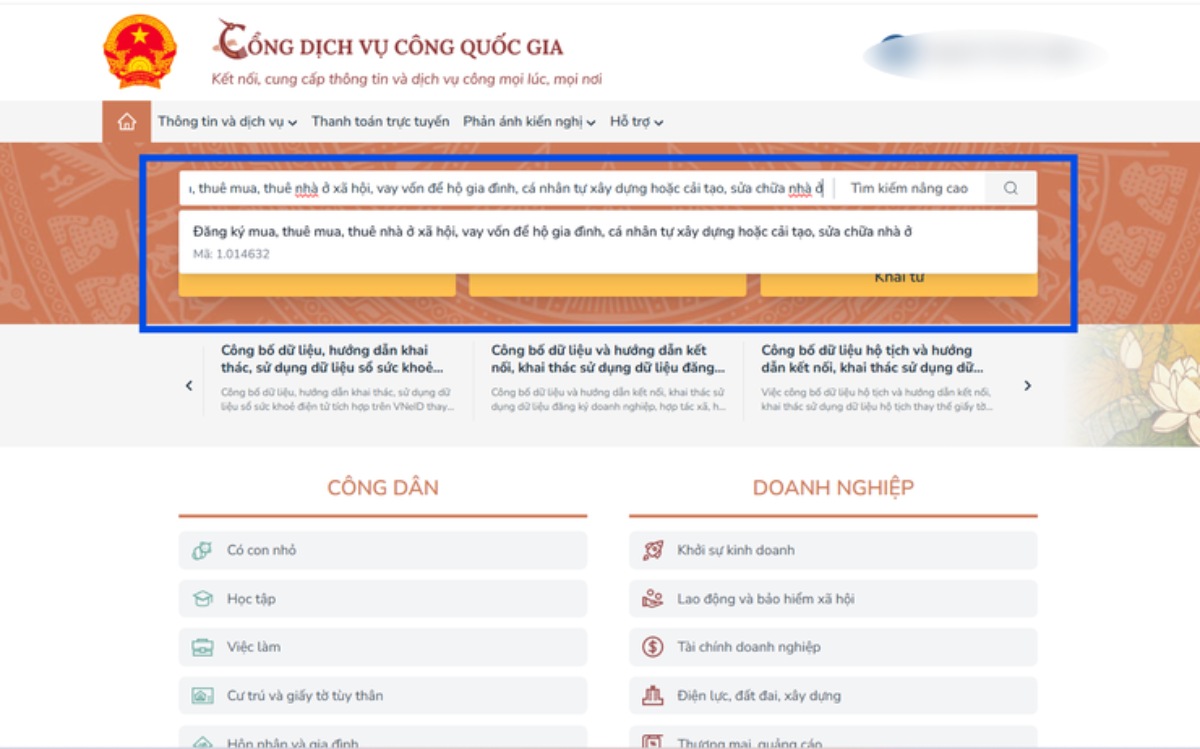
At the National Public Service Portal, people can look up and choose the procedures: "Register to buy, rent to buy, rent social housing, borrow capital for households and individuals to build or renovate and repair houses themselves"; Procedure code is 1. 014632.
Step 4: Select a suitable dossier receiving agency
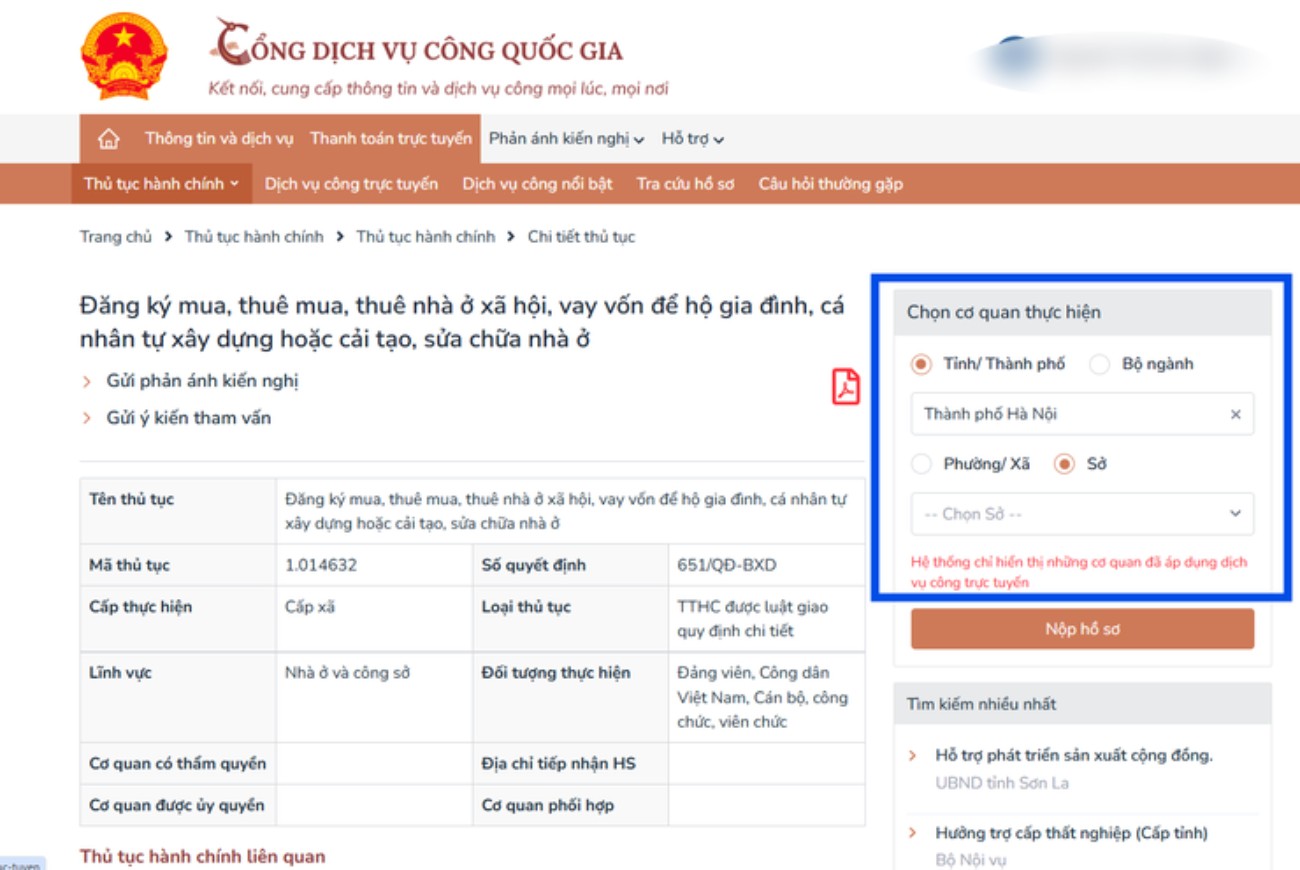
Depending on each case, people will choose different dossier receiving agencies.
- In the first case, people who do not have houses owned will choose the Branch of the Land Registration Office to receive and process dossiers.
According to recommendations, people should choose the Branch of the Land Registration Office to manage the area where there is a social housing project or housing for the people's armed forces.
- In the second case, people who already have a house but the average floor area is less than 15m2/person will choose the commune-level People's Committee where they are residing in the form of permanent residence registration to submit applications.
Identifying the correct receiving agency right from the beginning will help the dossier be processed more conveniently.
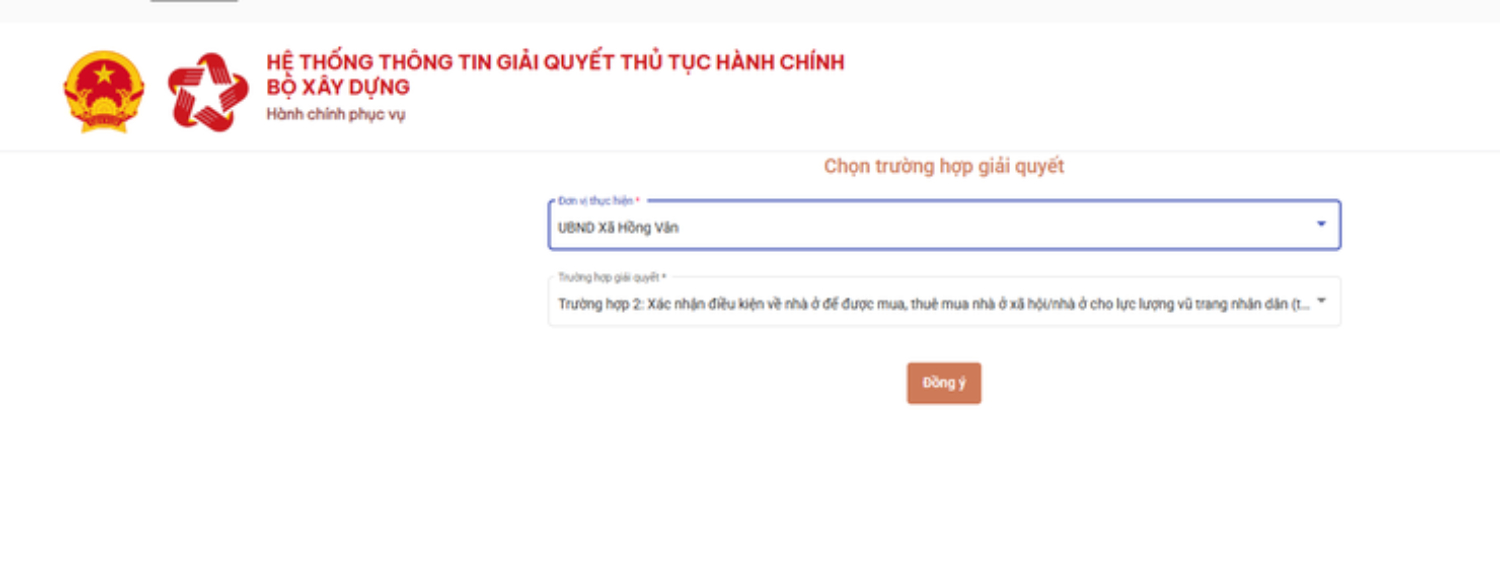
Step 5: Switch to the Ministry of Construction's system
After completing operations on the National Public Service Portal, the system will automatically switch to the Information System for resolving administrative procedures of the Ministry of Construction. Here, people continue to choose cases that suit their needs to complete the process.
Step 6: Declaration and submission of documents
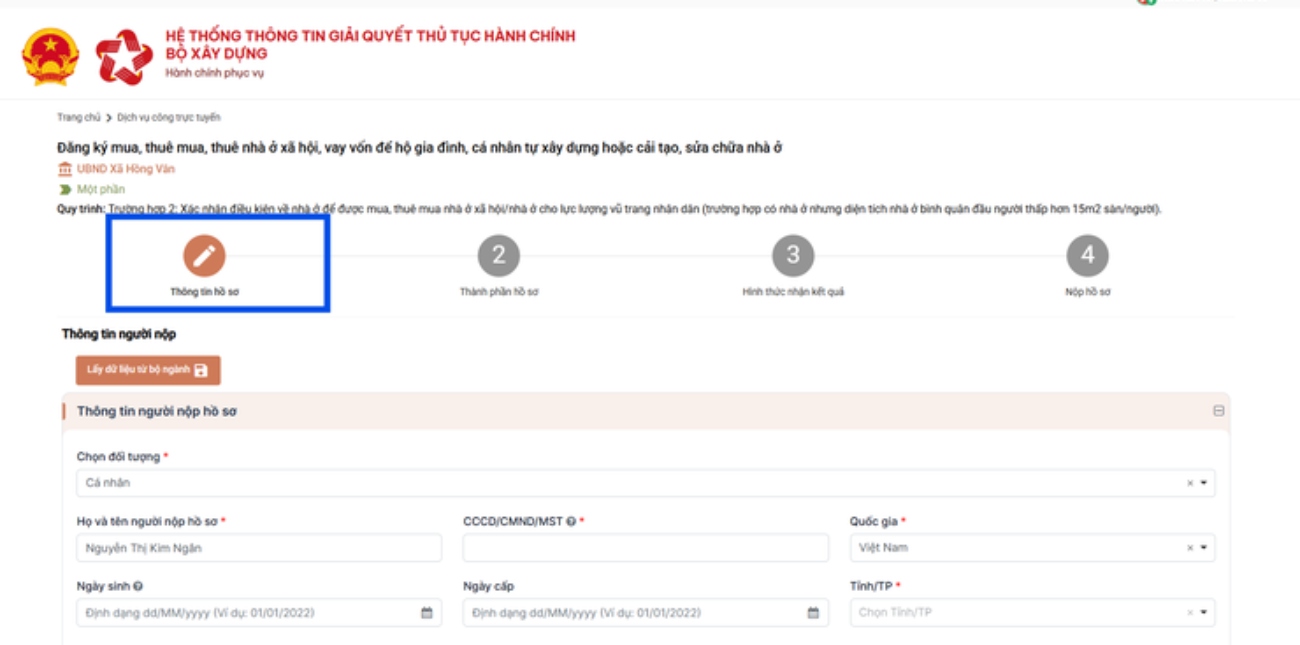
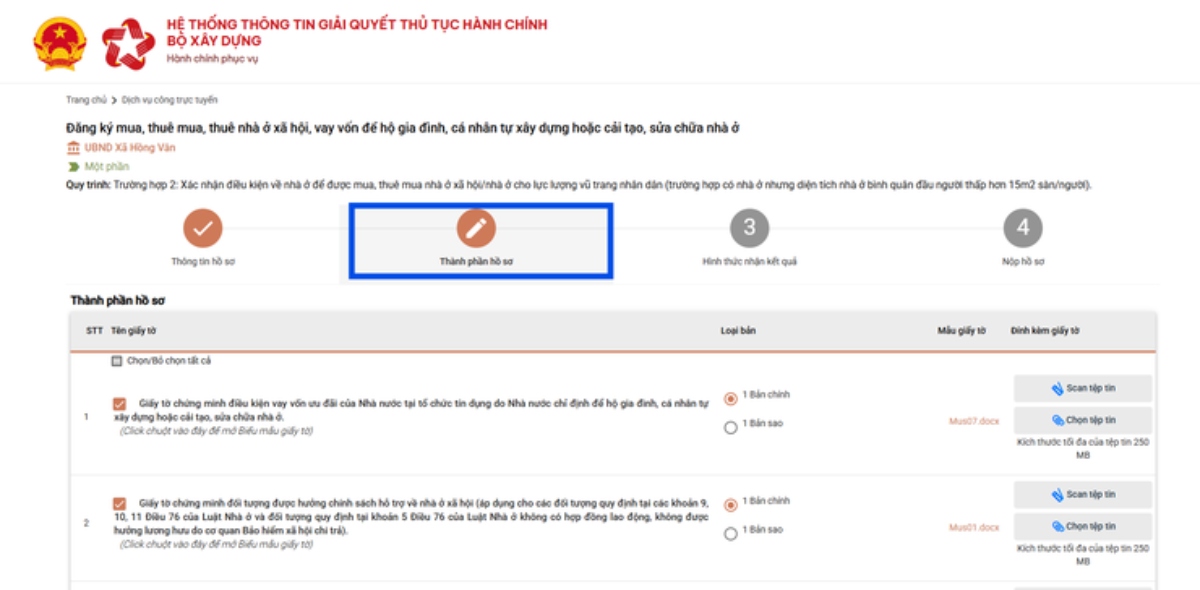
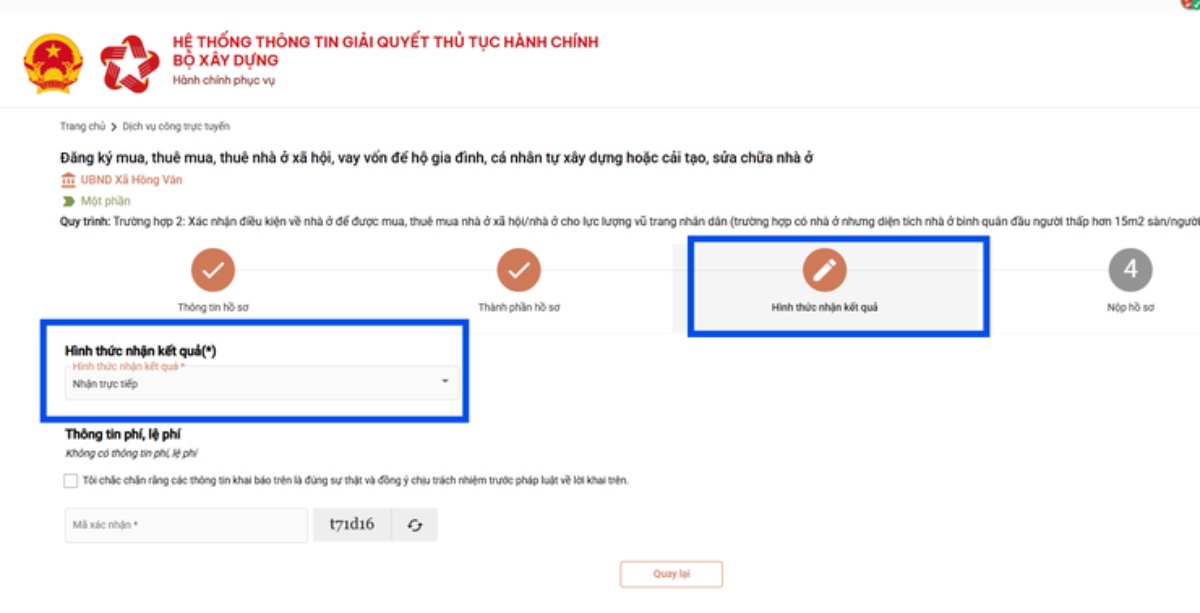
This is the most important step in the entire process of registering to buy/rent social housing; citizens need to:
- Fully declare information according to instructions;
- Upload all components of the dossier as prescribed.
- Choose a form of receiving results.
- Check all information before pressing "Save and submit the application".
Carefully reviewing information and dossier components before sending will help limit the need to supplement or edit during the process of resolution.
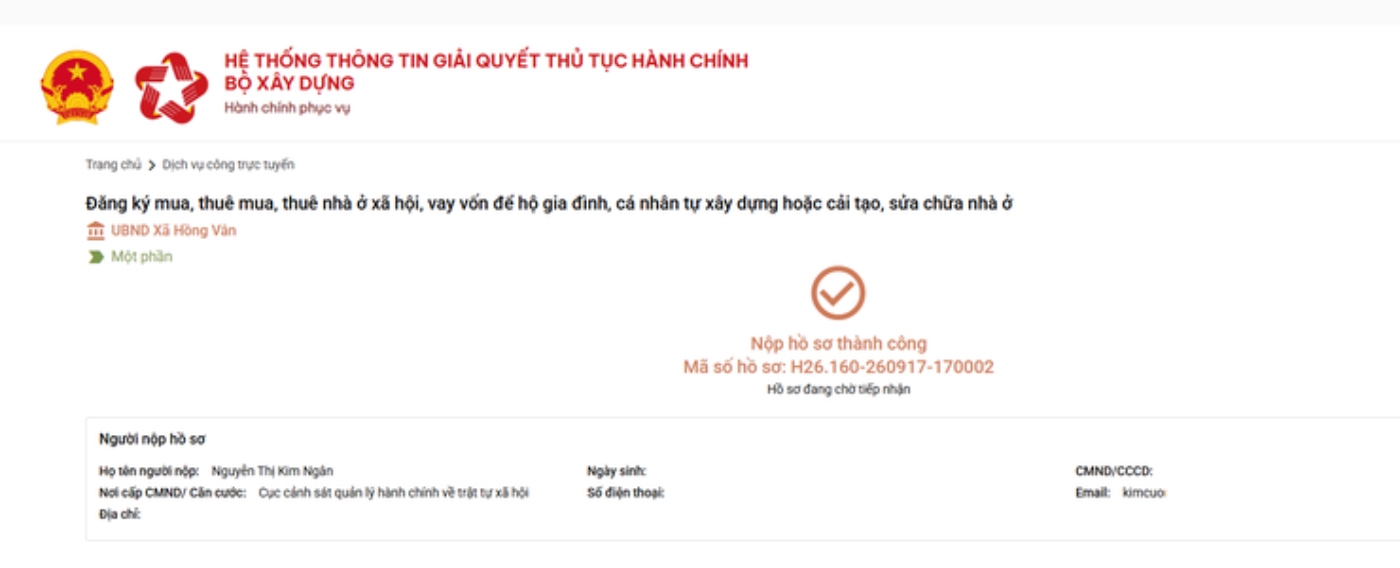
Step 7: Monitor the progress of dossier processing
After completing the application submission, people can proactively monitor the process of resolution right on the system.
To look up, go to: Account information → Profile waiting to be received.
Here, people can: Monitor the status of dossier processing; Look up the electronic dossier code; View the Result Return Sheet after the dossier is received and processed. Thanks to that, people do not need to go directly to the receiving agency to check progress as before.