
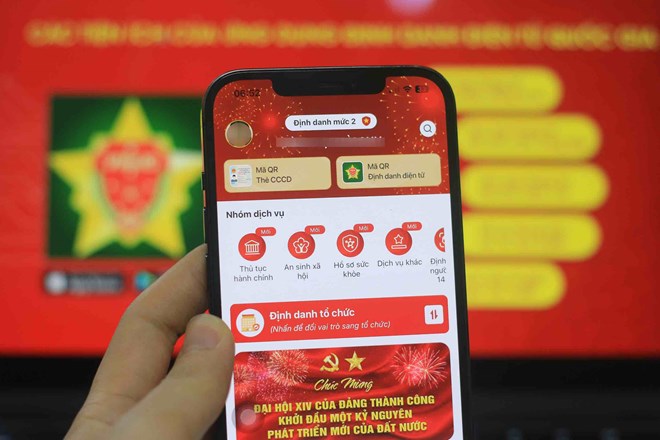
Many users are wondering whether their phone number has been verified according to the new regulations or not. In fact, it is possible to quickly check via VNeID or the network operator's application with a few simple steps.
After the subscriber authentication regulation took effect, one of the common questions for users is how to know if their phone number has been fully verified or not, especially for long-term subscribers.
Users can now check the authentication status of subscriber information through 2 common ways: the VNeID application or the application of the network operator they are using.
With VNeID, after logging in, users access the information integration section and select the phone number section to check. If the subscriber number is displayed and there is no request to add information, it can be understood that the data has been synchronized and no further authentication steps are required.
In case the system displays a notification requesting confirmation or authentication, users need to follow the instructions to complete the information comparison.
However, genuine SIM card confirmation is not carried out simultaneously on April 15, but takes place in installments. Therefore, if you do not see the phone number displayed on VNeID, please wait longer and try again later.
In addition, users can also check directly on the network operator's application. With applications such as My Viettel, My VNPT or My MobiFone, if subscriber information is up to standard, the system usually displays the status "no updates needed" or no warning.
Conversely, if a "subscriber information verification" or "information update" request appears, users need to perform verification steps, including document comparison and face verification as prescribed.
Another sign to recognize is the notification from the network operator. For subscribers who have not completed verification or have data that does not match, the network operator will send a message requesting users to update information within a certain time.


