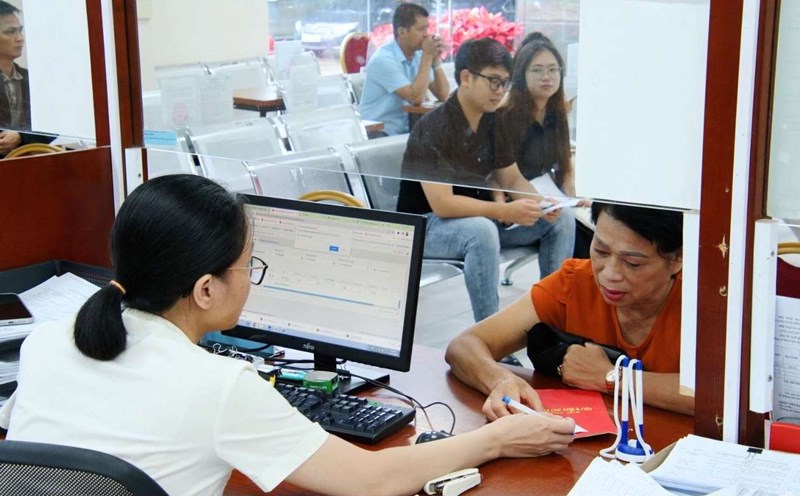
Regulations on tax refund conditions
In case a household or individual has been organized to manage an e-commerce platform (EIA) and pays taxes on behalf of value added tax and personal income for transactions arising in the year but has an annual revenue level for all business activities not subject to value added tax and personal income tax.
In case a household or individual has paid value added tax or personal income tax for transactions arising in the year but has an annual revenue level for all business activities not subject to value added tax or personal income tax.
Subjects not subject to value added tax, personal income tax are refunded:
+ In 2025, revenue will be under 100 million VND/year.
+ From 2026, revenue will be under VND500 million/year.
Tax refund procedures
In Decision 2345/QD-BTC, the Ministry of Finance guides tax refund procedures for sellers on e-commerce platforms as follows:
- How to do it: electronically.
- Component, number of documents: Document requesting tax refunds of households and individuals with business activities on e-commerce platforms according to form No. 03/CNKD-TMDT
Tax refund instructions via eTax Mobile
Step 1: Select the menu Tax payment function group -> Proposal to handle excess payment. The system displays a screen to select tax authority information.
Step 2: Select the tax authority, click "Continuate". The system displays a screen to enter excess payment information. Enter excess payment information:
Step 3: click "Continuate" to display the screen of the list of entered excess installments
Step 4: click " Add fields" to display the entrance information screen (return to the screen in step 2)
- click "Continuate" to display the clearing information screen
Step 5: Enter compensation information:
Step 6: click "Continuate" to display the screen of the list of entered excess compensation
Step 7: click " Add a line" on the system's display screen to enter clearing information (return to the screen in step 5)
- Press Continue to display the attached file download screen.
Step 8: Enter the file name and download the attached file:
- click on Details: See the request for handling the entered excess payment.
- Press Delete the file: Deleting the downloaded attached file.
- Press Continue: Display the OTP nhap screen.
Step 9: click " Continue" to display the OTP entry screen.
Step 10: Enter the sent OTP code to your phone and click Complete. The system displays a notification screen. Successful Submission.